HTML- Hyper Text Markup Lanuage
HTML stands for Hyper Text Markup Language which is used for creating web pages.
Html describes the structure of a web page
Html consists of a series of elements.
Html elements tell the browser how to display the content.
It provides the structure and content of a web page by using a set of tags and elements to define different parts of the page.
HTML documents are composed of elements, which are enclosed by tags.
Tags are represented by angled brackets (< and >) and usually come in pairs—an opening tag and a closing tag.
The content between the opening and closing tags is the element's content.
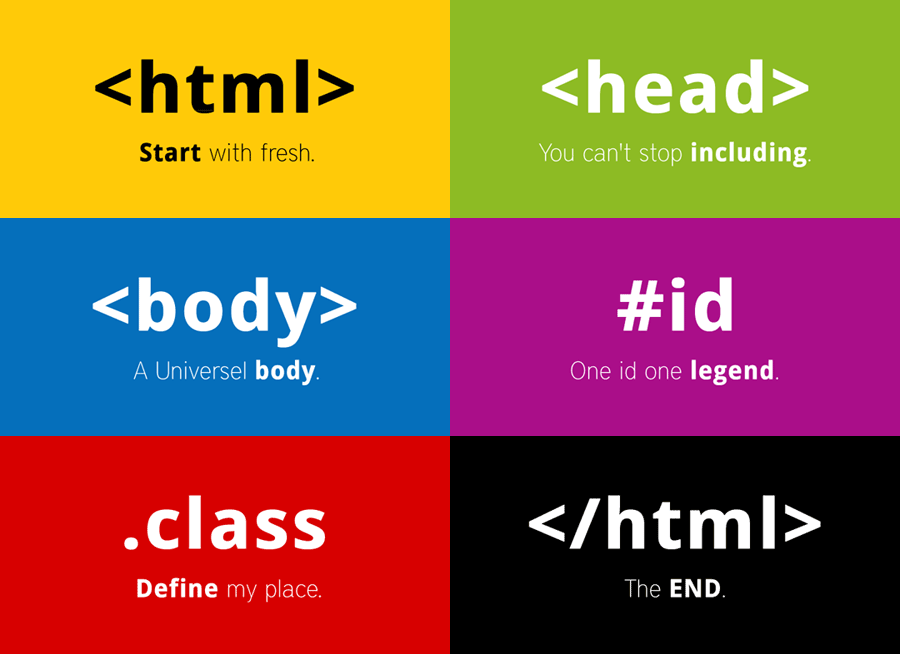
HTML includes a wide range of tags for structuring and formatting content. Here is a list of some commonly used HTML tags:
Basic Structure:
<!DOCTYPE>: Specifies the HTML document type.<html>: Represents the root element of an HTML document.<head>: Contains metadata and other head elements.<title>: Defines the title of the document.<body>: Represents the document's body content.
- Text Formatting:
<h1>to<h6>: Headings of different levels.<p>: Defines a paragraph.<a>: Creates a hyperlink.<strong>: Indicates strong importance.<em>: Emphasizes text.<br>: Inserts a line break.<hr>: Represents a horizontal rule (a thematic break).
- Lists:
<ul>: Unordered list.<ol>: Ordered list.<li>: List item.
- Images and Media:
<img>: Embeds an image.<video>: Embeds a video.<audio>: Embeds audio content.<iframe>: Embeds an inline frame.
- Tables:
<table>: Creates a table.<tr>: Defines a table row.<td>: Defines a table cell.<th>: Defines a table header cell.
- Forms:
<form>: Creates an HTML form.<input>: Defines an input field.<textarea>: Defines a multiline input control.<select>: Creates a dropdown list.<option>: Defines an option in a dropdown list.<button>: Creates a clickable button.
- Structural Elements:
<div>: Defines a division or section.<span>: Inline container for phrasing content.<header>: Represents the header section of a document or a section.<nav>: Represents a section with navigation links.<article>: Represents an independent, self-contained content.<section>: Defines a section within a document.<footer>: Represents the footer section of a document or a section
This is few examples of html tags and important to use them appropriately to create well-structured and semantically meaningful web pages.
Comments
Join the discussionNo comments yet. Be the first to comment.