Day 7 Task: Understanding package manager and systemctl
What is a package manager in Linux?
In simpler words, a package manager is a tool that allows users to install, remove, upgrade, configure and manage software packages on an operating system. The package manager can be a graphical application like a software center or a command lines tool like apt-get or Pacman.
You’ll often find me using the term ‘package’ in tutorials and articles, To understand package manager, you must understand what a package is.
What is a package?
A package is usually referred to as an application but it could be a GUI application, command line tool or a software library (required by other software programs). A package is essentially an archive file containing the binary executable, configuration file and sometimes information about the dependencies.
Different kinds of package managers
Package Managers differ based on the packaging system but the same packaging system may have more than one package manager.
For example, RPM has Yum and DNF, package managers. For DEB, you have apt-get, aptitude command line-based package managers.
Tasks
You have to install docker and Jenkins in your system from your terminal using package managers
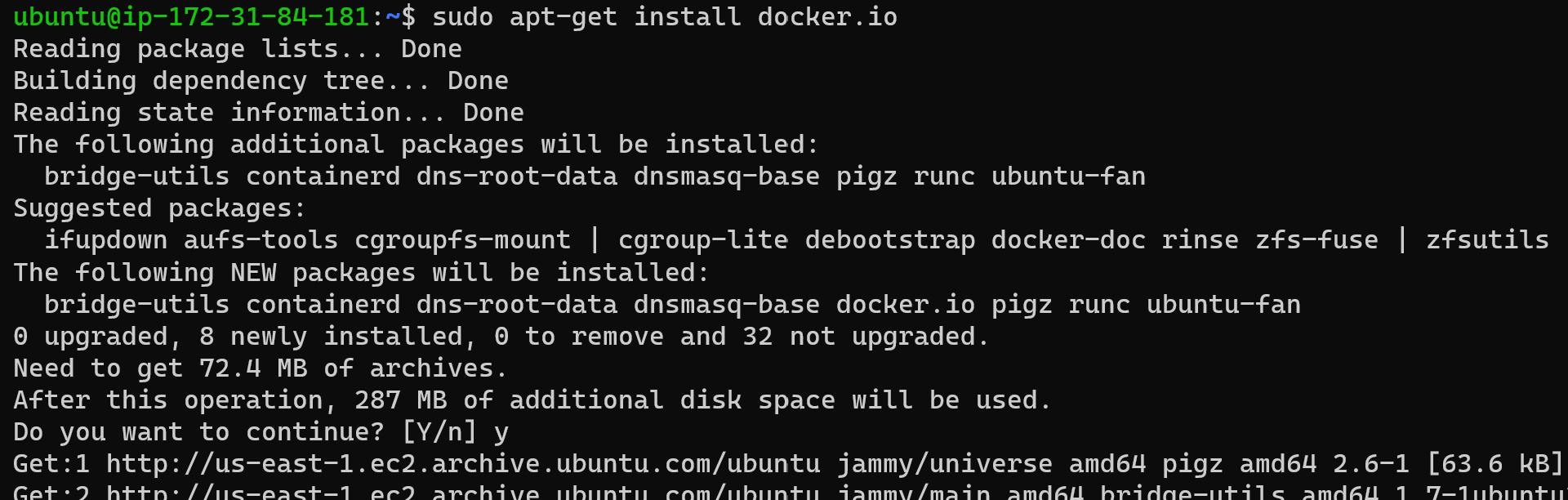
Steps for installing the docker.
First, we need to update the system

Now, we need to install the docker

Now we need to start and enable the docker


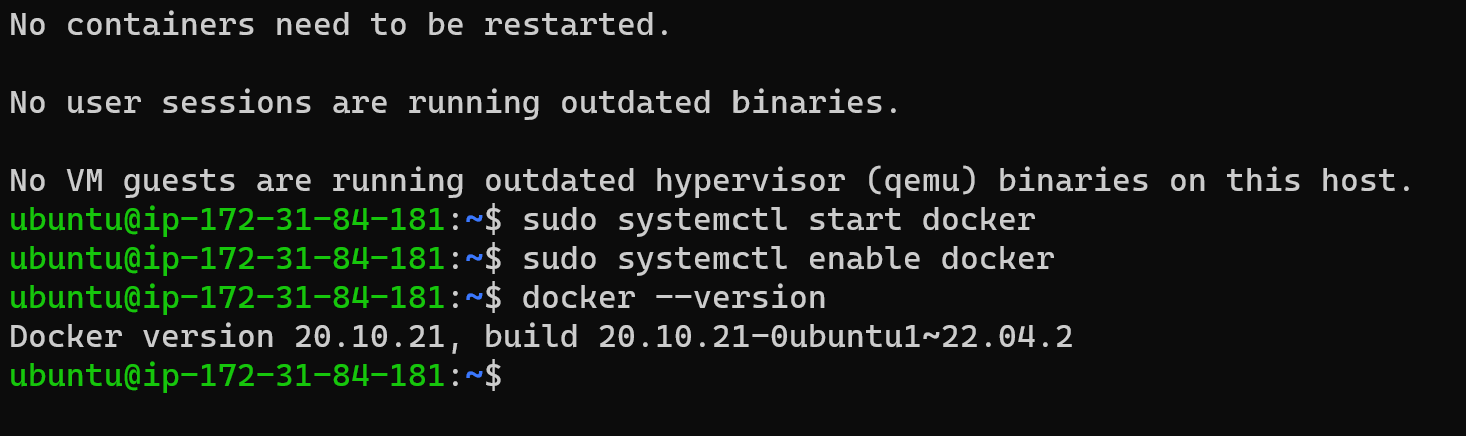
you can see the docker version. By that, you can say that docker has been installed.
How to install Jenkins
First update it and then install it.


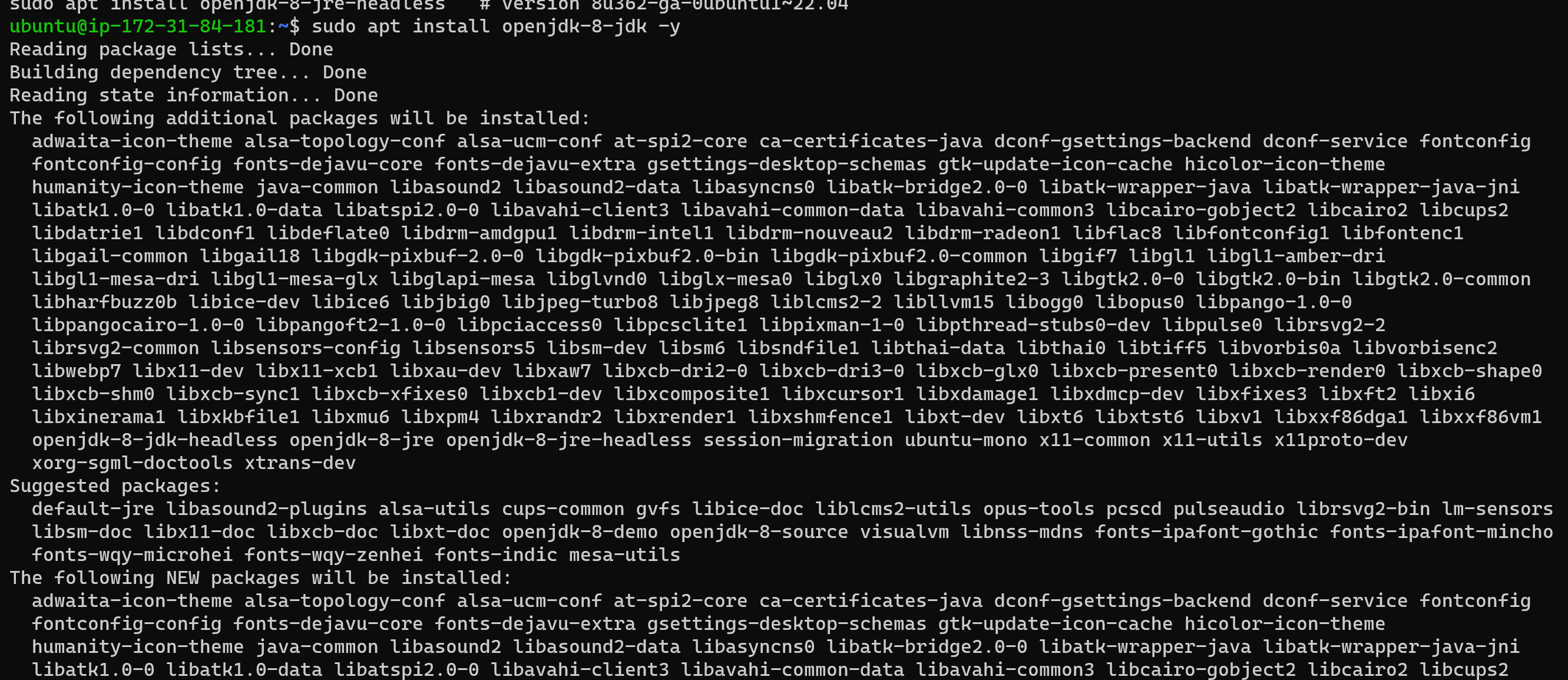
1. Start by importing the GPG key. The GPG key verifies package integrity but there is no output. Run:

2. Add the Jenkins software repository to the source list and provide the authentication key:

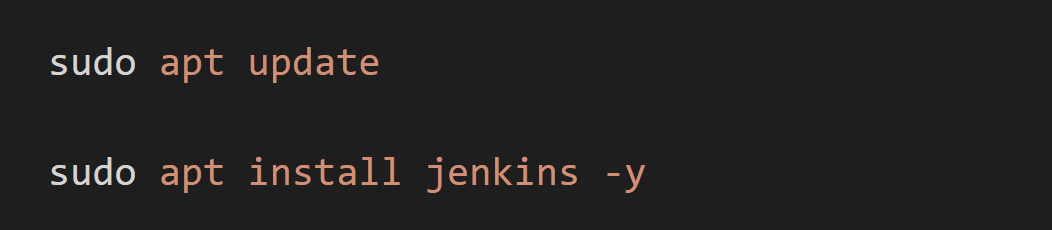
update the system and install Jenkins
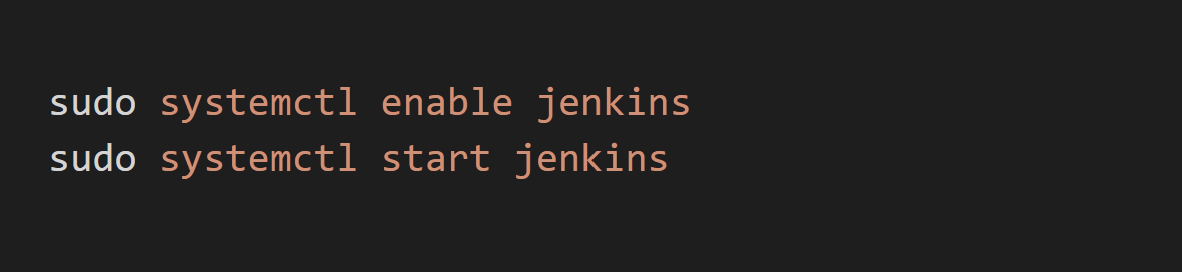

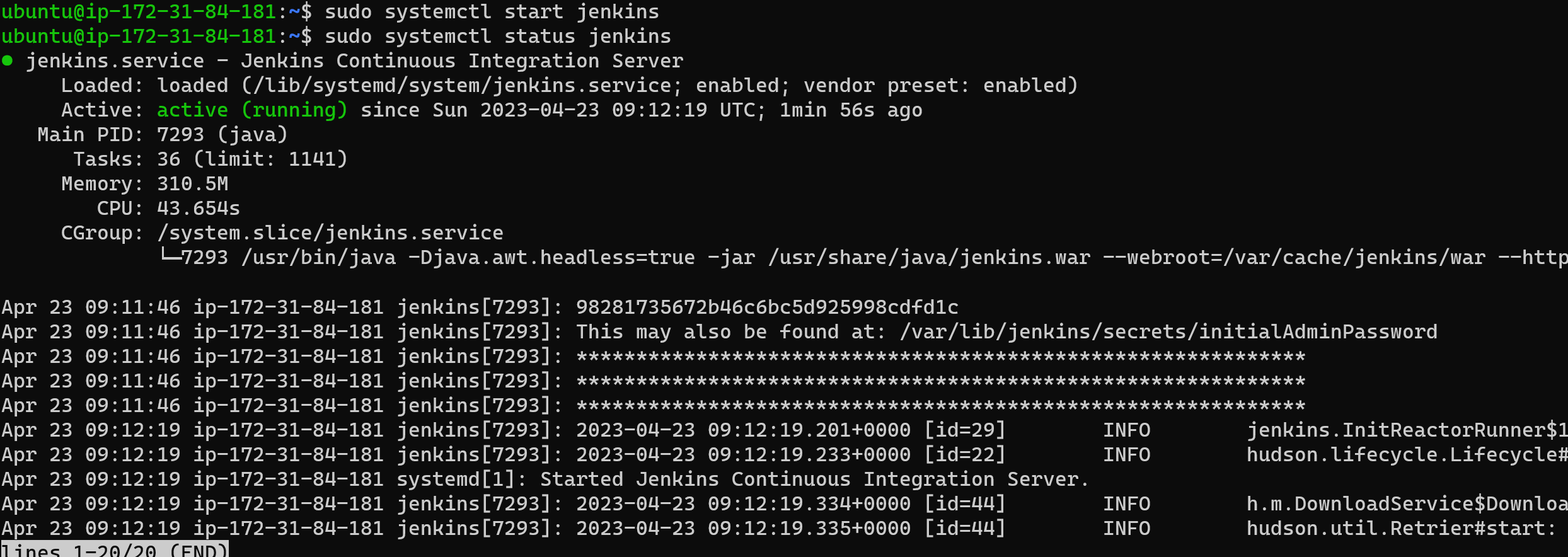
Write a small blog or article to install these tools using package managers on Ubuntu and CentOS
When it comes to installing tools on Ubuntu and CentOS, package managers are an easy and convenient way to go about it. Package managers are software tools that help automate the process of installing, updating, configuring, and removing software packages.
Ubuntu: Ubuntu is a popular Debian-based Linux distribution that is widely used for desktop and server environments. Here are the steps to install tools using package managers on Ubuntu.
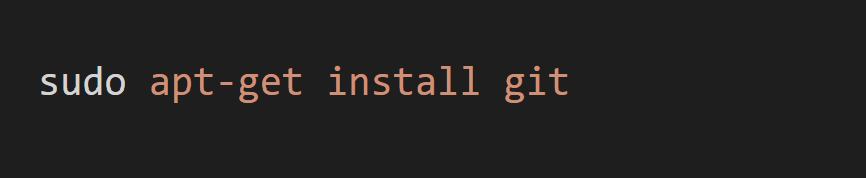

CentOS is a popular Linux distribution that is widely used for server environments. Here are the steps to install tools using package managers on CentOS.

systemctl and systemd
systemctl is used to examine and control the state of “systemd” system and service manager. systemd is system and service manager for Unix-like operating systems(most of the distributions, not all).
Tasks
Check the status of the docker service in your system (make sure you completed the above tasks, else docker won't be installed)
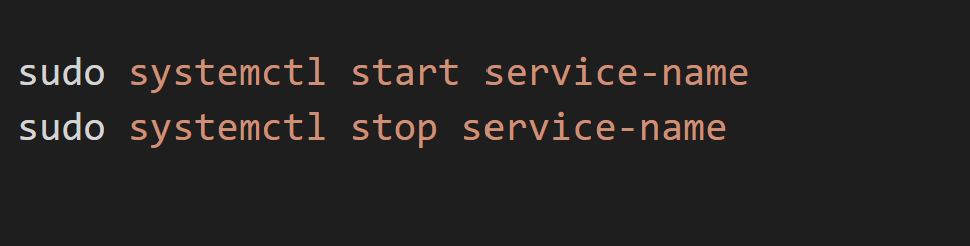
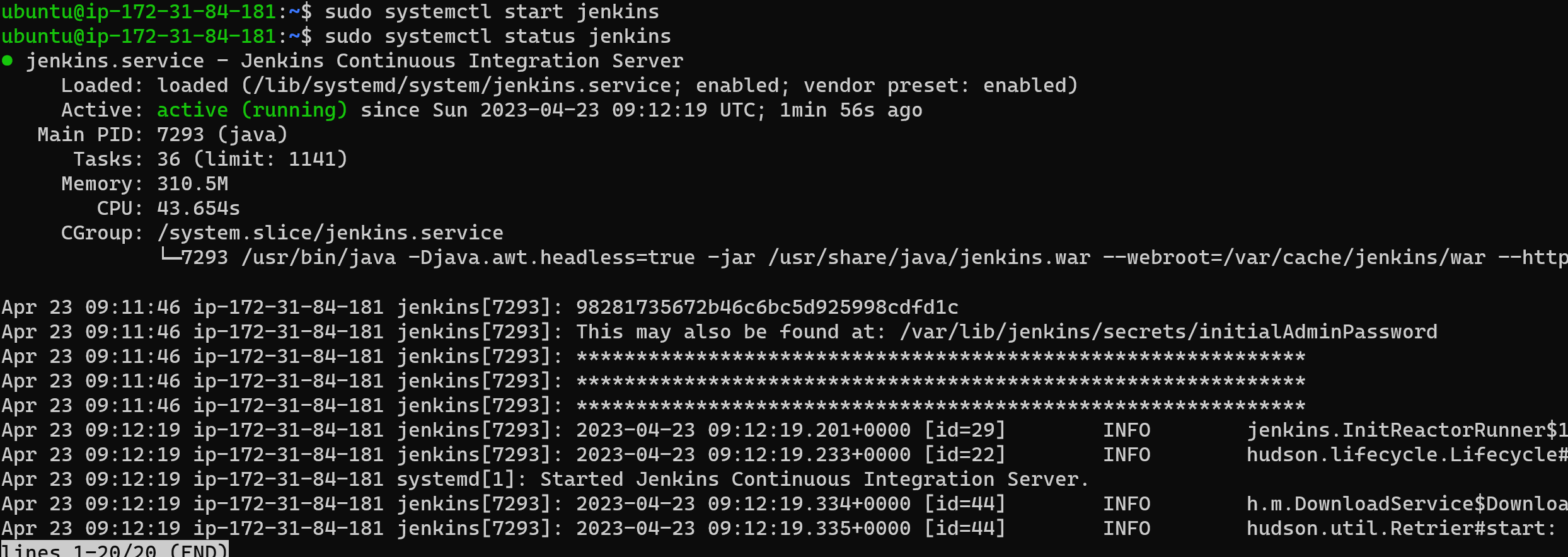
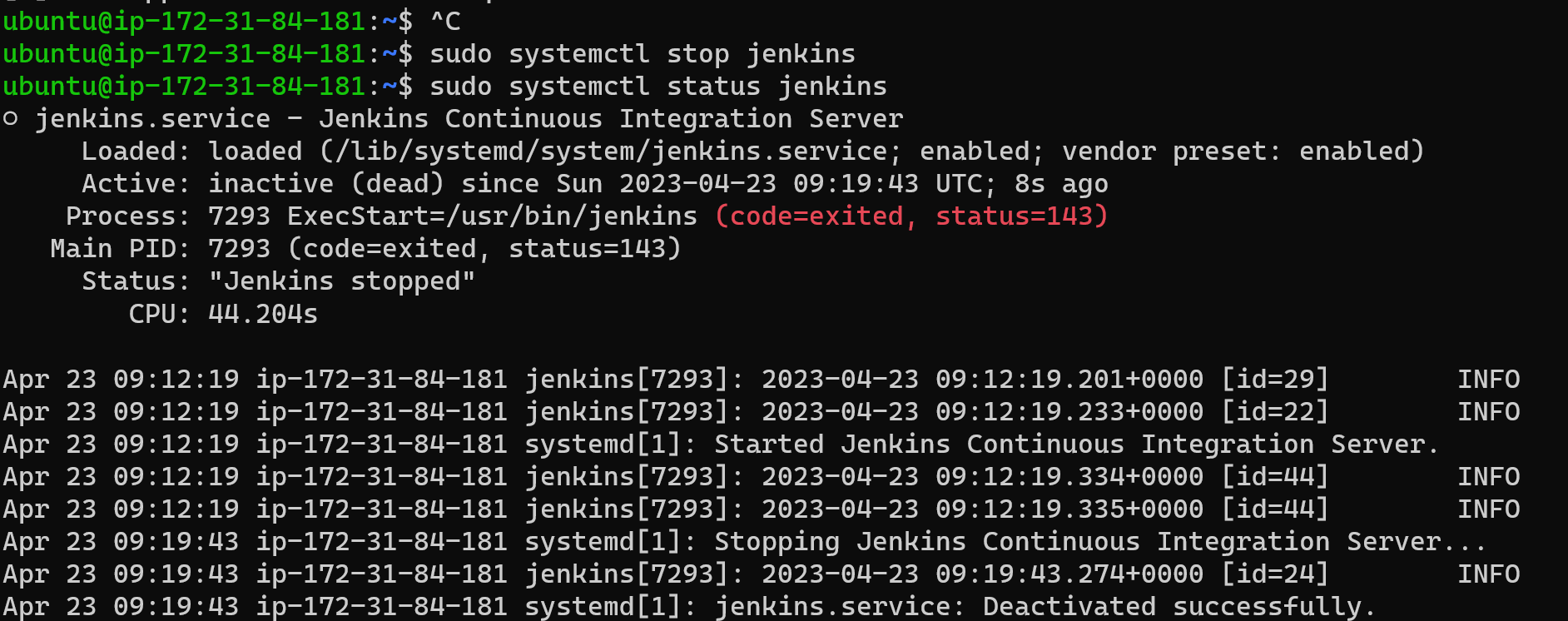
Stop the service Jenkins and post before and after screenshots
BEFORE
AFTER:
read about the commands systemctl vs service
eg. systemctl status docker vs service docker status
systemctl is a command-line utility used to manage the systemd system and service manager on Linux systems. With systemctl, you can start, stop, restart, enable, disable, and check the status of system services.
servicemd is a command-line utility used to manage system services on Linux systems. It is commonly used in older versions of Linux that use the SysV init system, which has been largely replaced by systemd.
Post about this and bring your friends to this #90DaysOfDevOps challenge.
Comments
Join the discussionNo comments yet. Be the first to comment.