Day 3 Task: Basic Linux Commands

In this article, we will be discussing the Basic Linux commands.
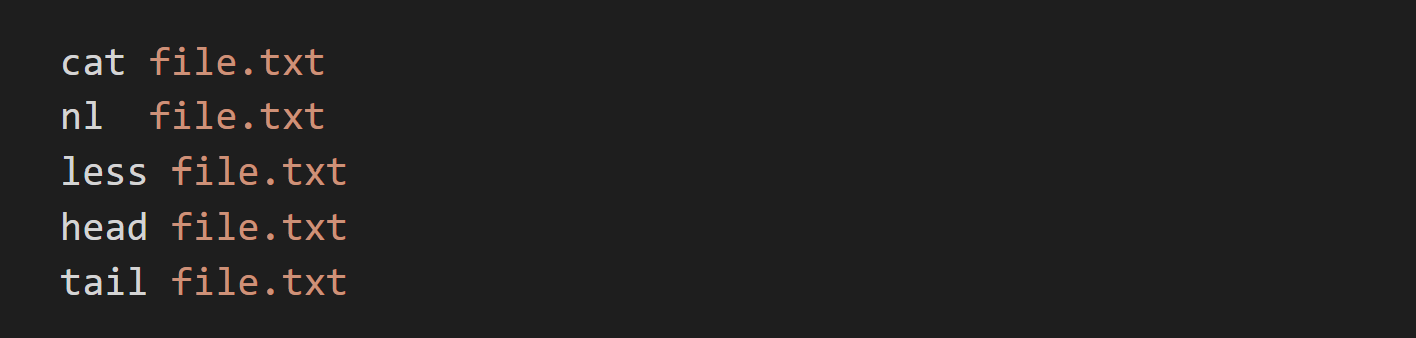
To view what's written in a file.
There are five ways you can view a file that is cat, nl, less, head, tail
To change the access permissions of files.
We have different permissions first we will look into it.
0 = 0 = Nothing
1 = 1 = execute
2 = 2 = write
3 = 2 + 1 = write + execute
4 = 4 = read
5 = 4 + 1 = read + execute
6 = 4 + 2 = read + write
7 = 4 + 2 + 1 = read + write + execute
so whenever you write chmod 777 filenames that means your user has the right to read, write and execute the file.

To check which commands you have run till now.

To remove a directory/ Folder.

To create a fruits.txt file and to view the content

To Show only the top three fruits from the file

To Show only the bottom three fruits from the file

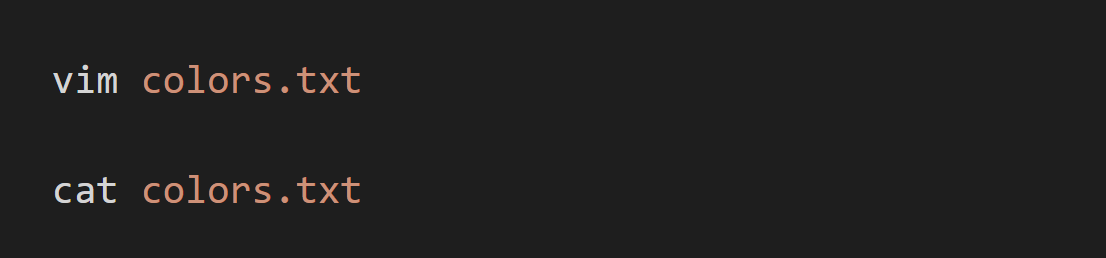
To create another file Colors.txt and to view the content.
To find the difference between the fruits.txt and Colors.txt file

Comments
Join the discussionNo comments yet. Be the first to comment.