Day-22 : Getting Started with Jenkins
Before getting to know about Jenkins first we will get to know continuous integration and continuous delivery.
Continuous Integration: Continuous Integration (CI) is a development practice where developers integrate code into a shared repository frequently, preferably several times a day. Each integration can then be verified by an automated build and automated tests. While automated testing is not strictly part of CI it is typically implied.
Continuous delivery: Continuous Delivery (CD) is a software development practice that involves automatically building, testing, and deploying software changes to production environments safely and reliably. The goal of CD is to enable teams to release new features, updates, and bug fixes more frequently and reliably.
What is Jenkins?
Jenkins is an open-source continuous integration-continuous delivery and deployment (CI/CD) automation software DevOps tool written in the Java programming language. It is used to implement CI/CD workflows, called pipelines.
Jenkins is a tool that is used for automation, and it is an open-source server that allows all the developers to build, test and deploy software. It works or runs on Java as it is written in Java. By using Jenkins we can make a continuous integration of projects(jobs) or end-to-endpoint automation.
Jenkins achieves Continuous Integration with the help of plugins. Plugins allow the integration of Various DevOps stages. If you want to integrate a particular tool, you need to install the plugins for that tool. For example Git, Maven 2 project, Amazon EC2, HTML publisher etc.

Let us do discuss the necessity of this tool before going ahead to the procedural part for installation:
First we need to update the server and then we need to install the java in the sever because jenkins works on the basis of java.
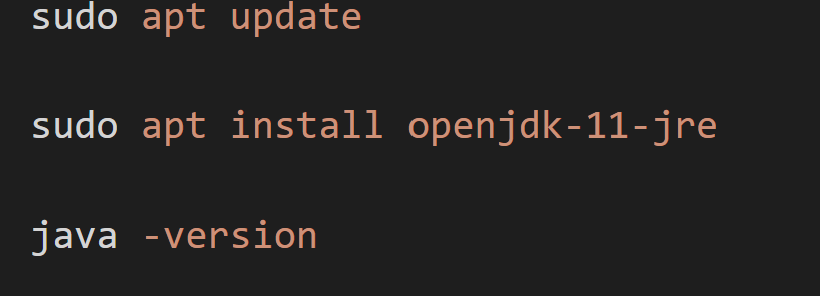
You can check the version of java.

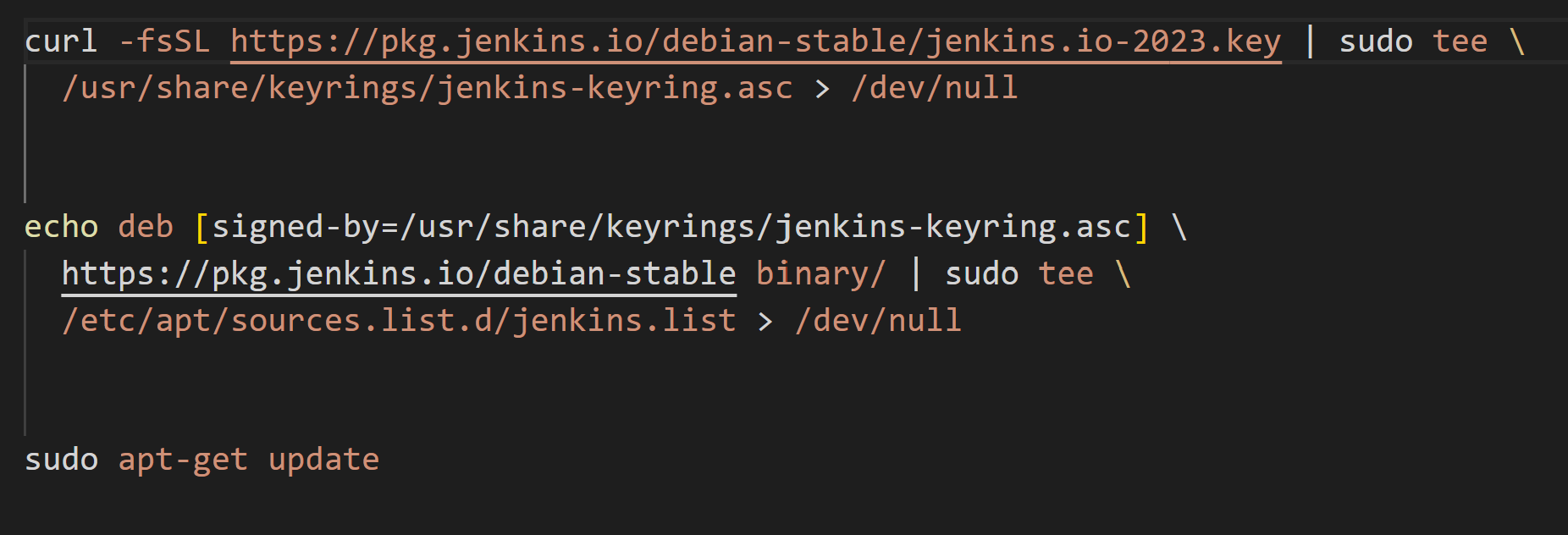
To install Jenkins we need other necessary commands that need to run.
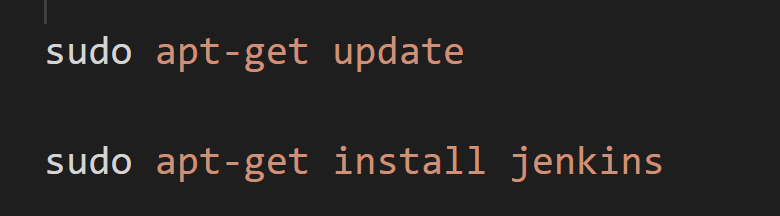
Then install the Jenkins by using apt-get
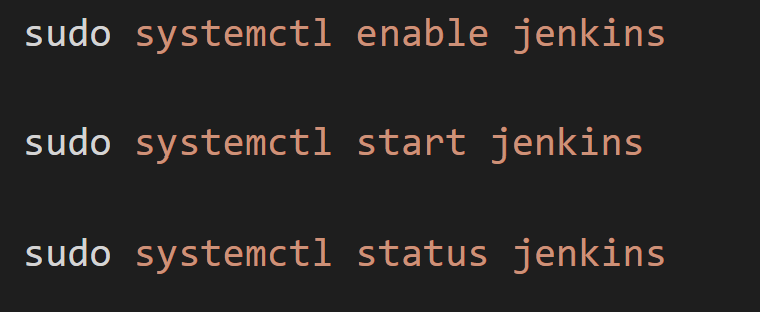
Enable, start and get the status of the Jenkins.
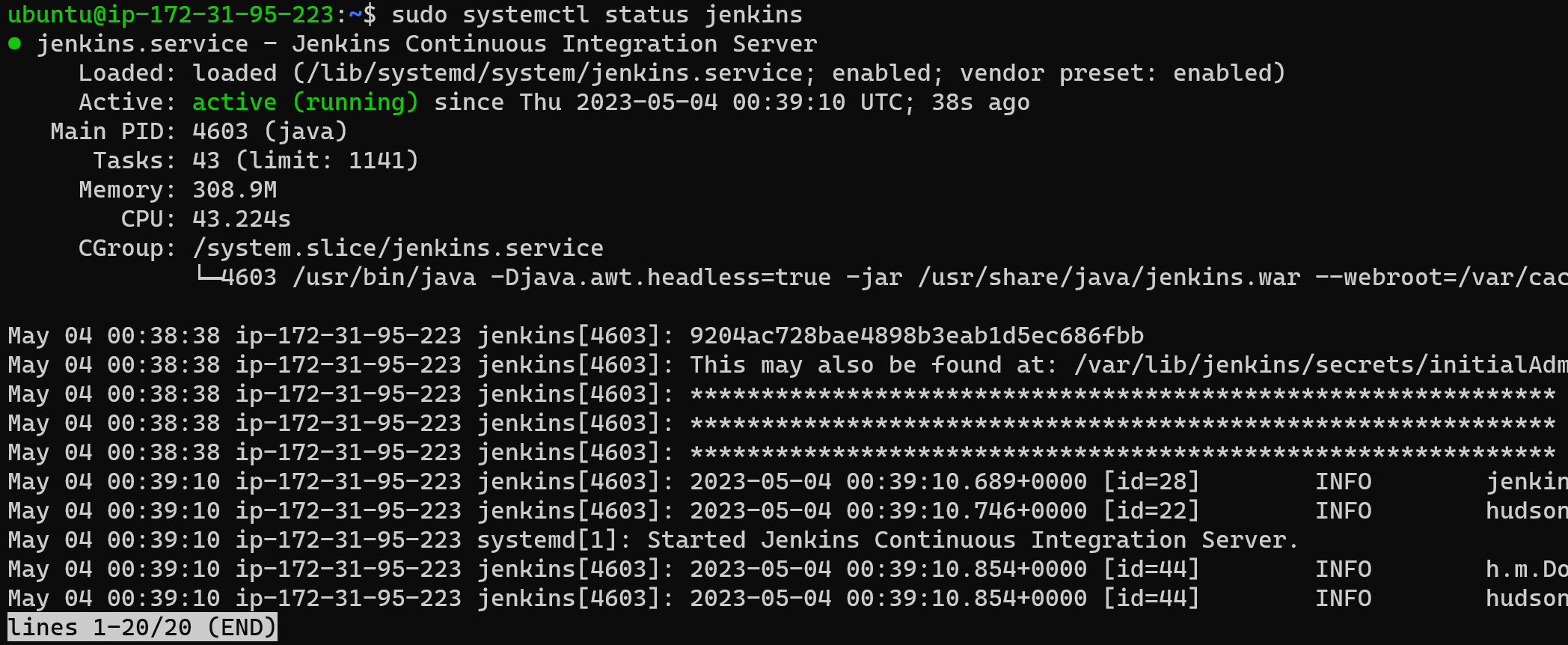
Now, to navigate copy the URL of the server with port and then navigate to the path for admin password.
As you can see that Jenkins has been installed in the server.
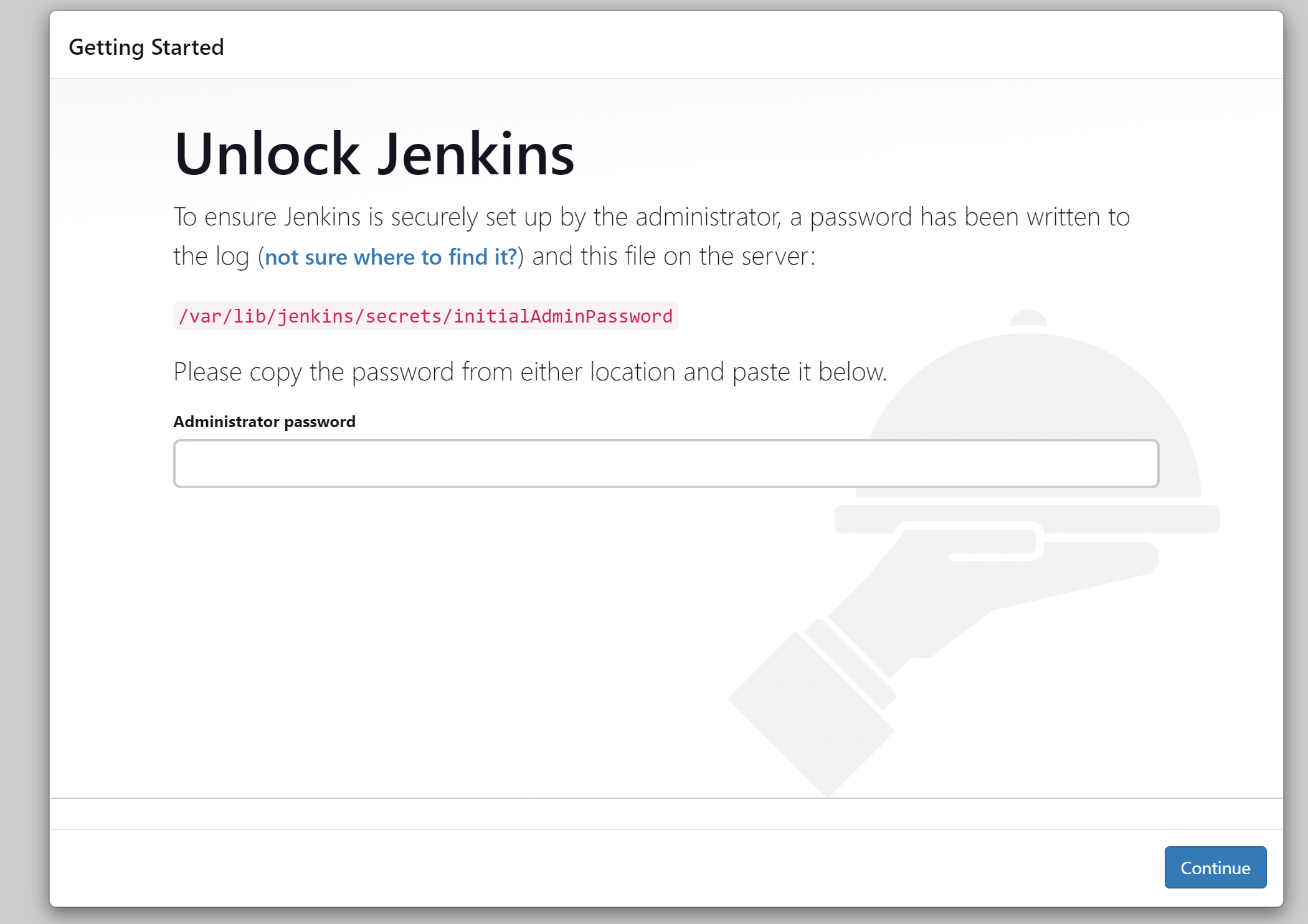
To get the Administrator password

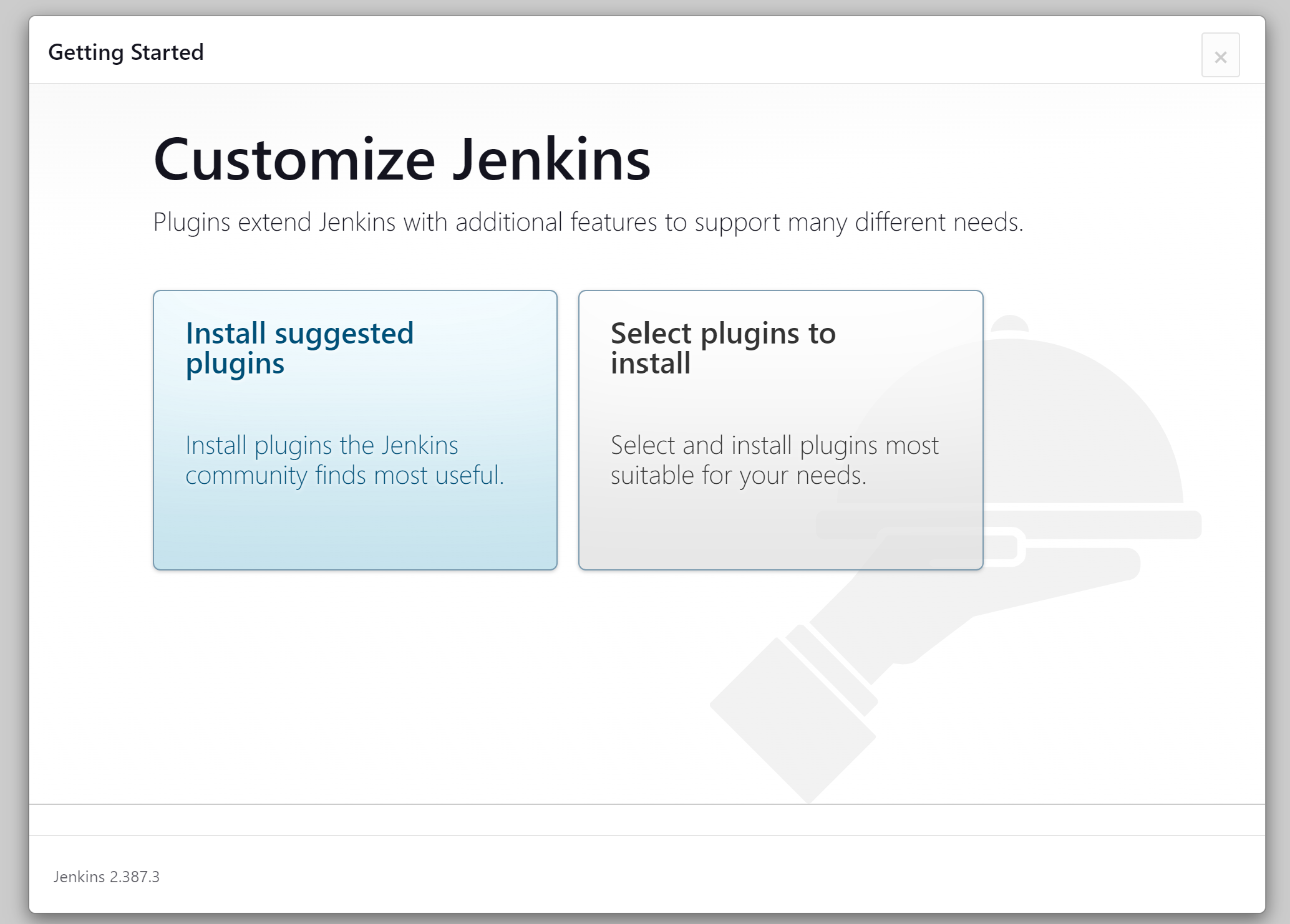
Now install the suggested plugins
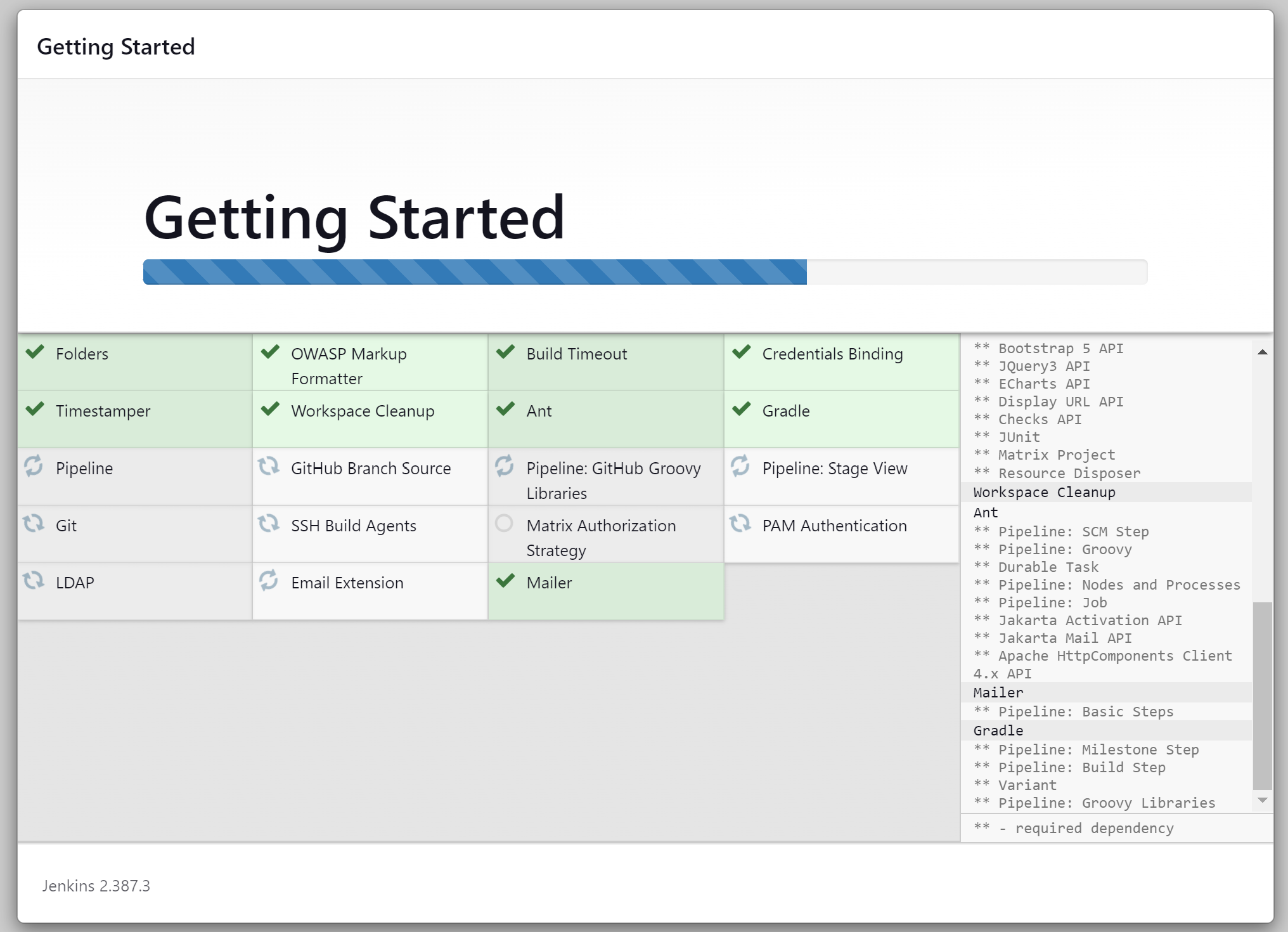
Now, you need to fill the admin user details:
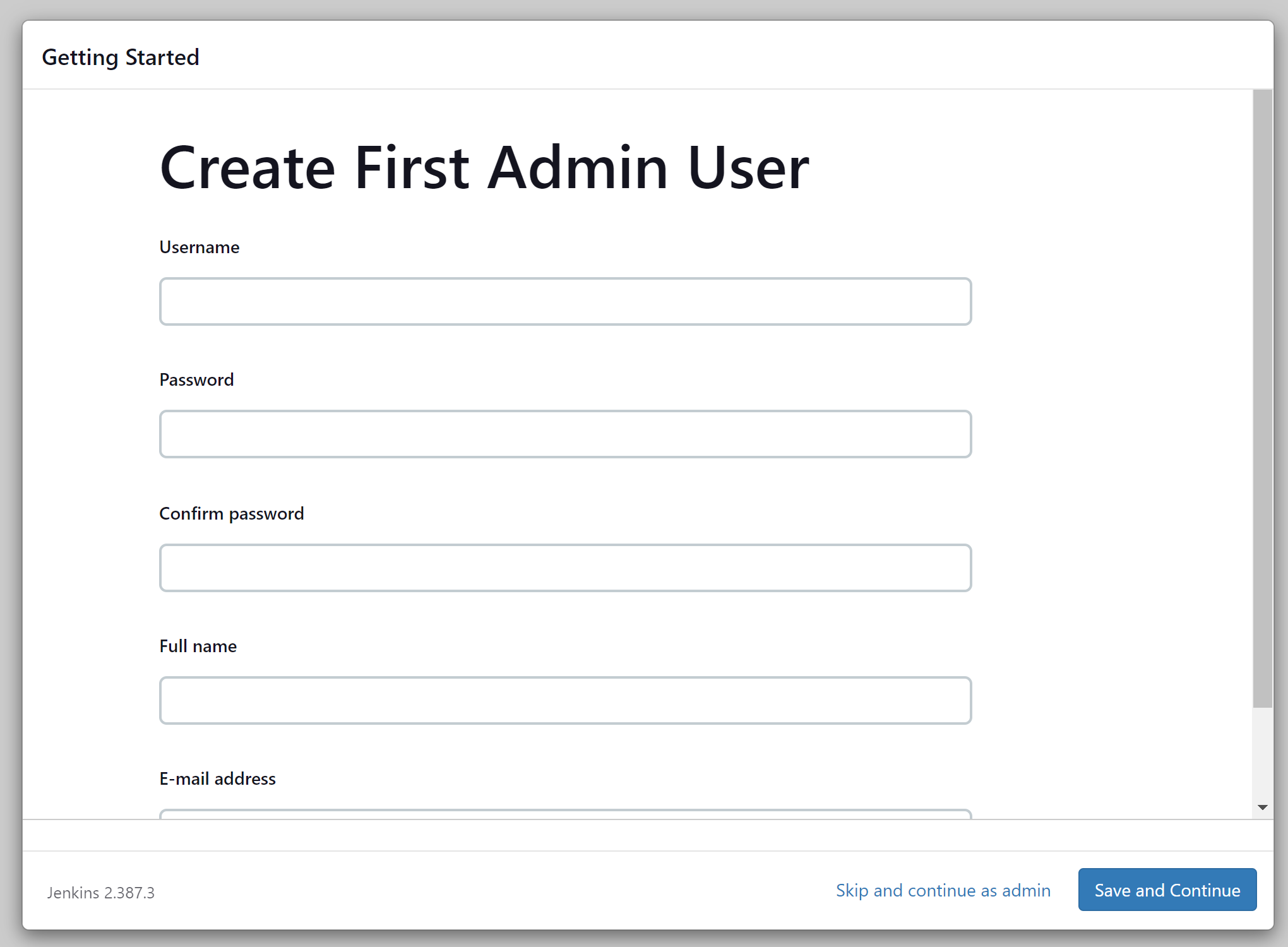
Login to the URL.
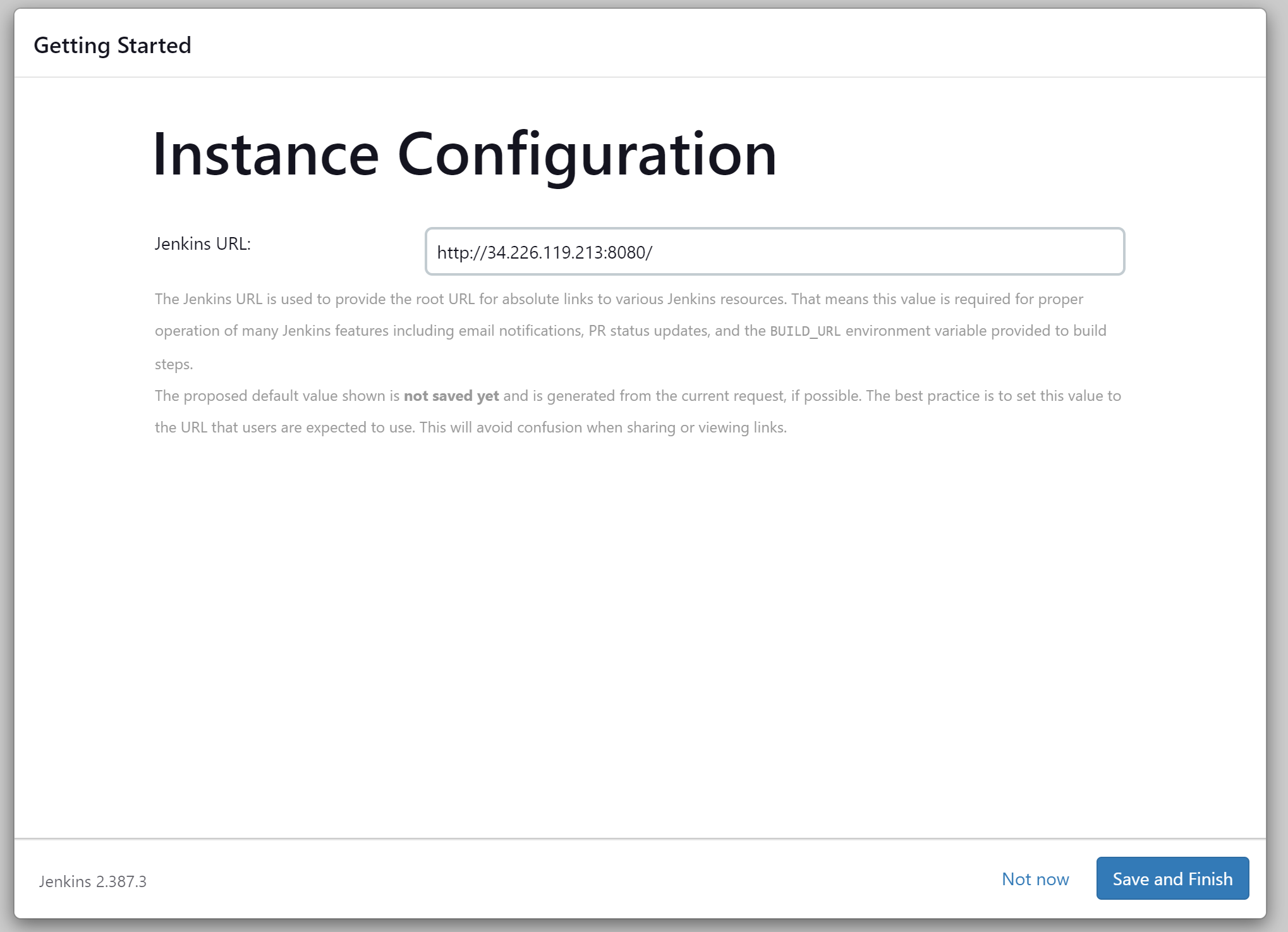
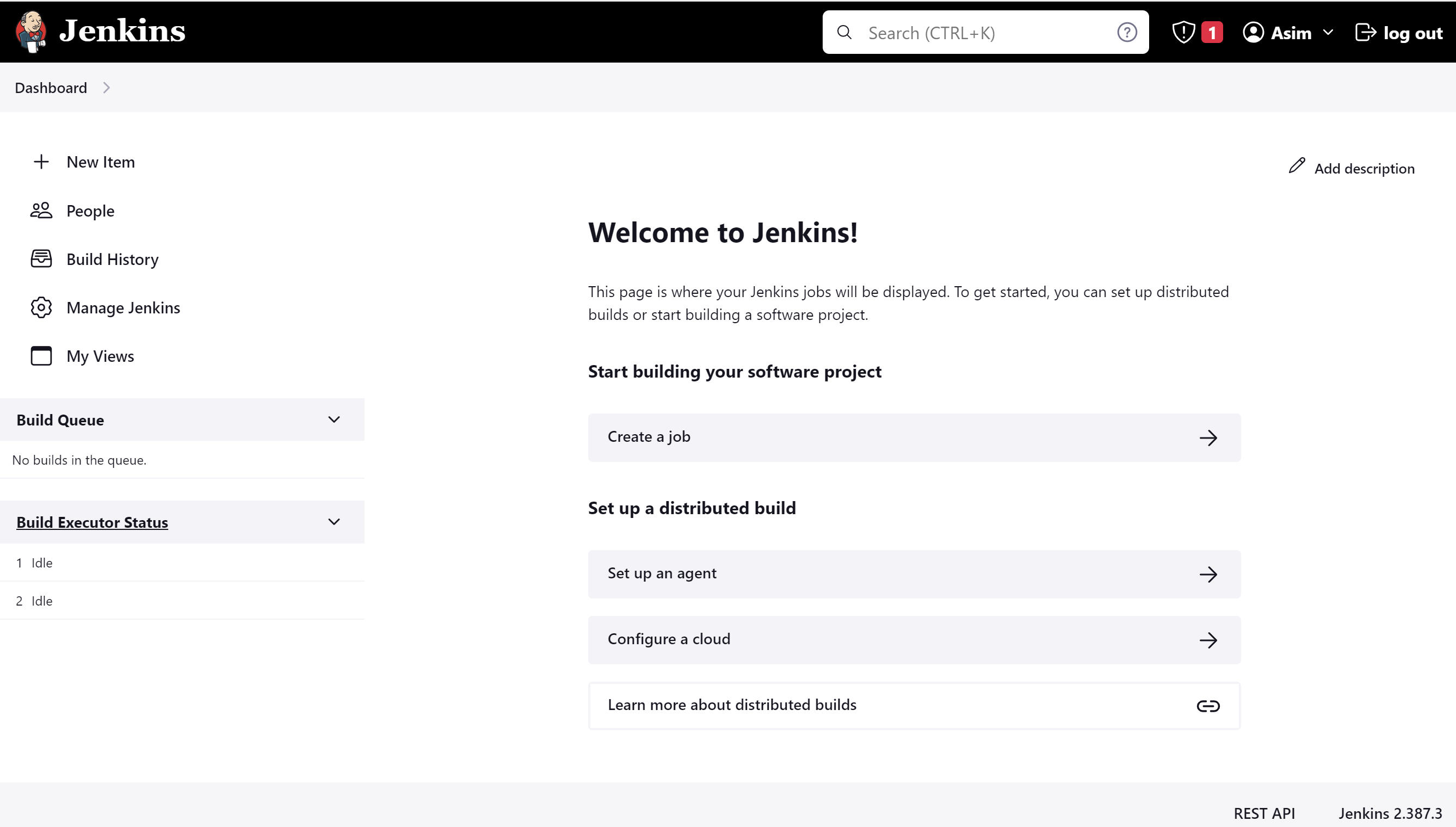
Task:
Create a freestyle pipeline to print "Hello World!!"
Click on a new item
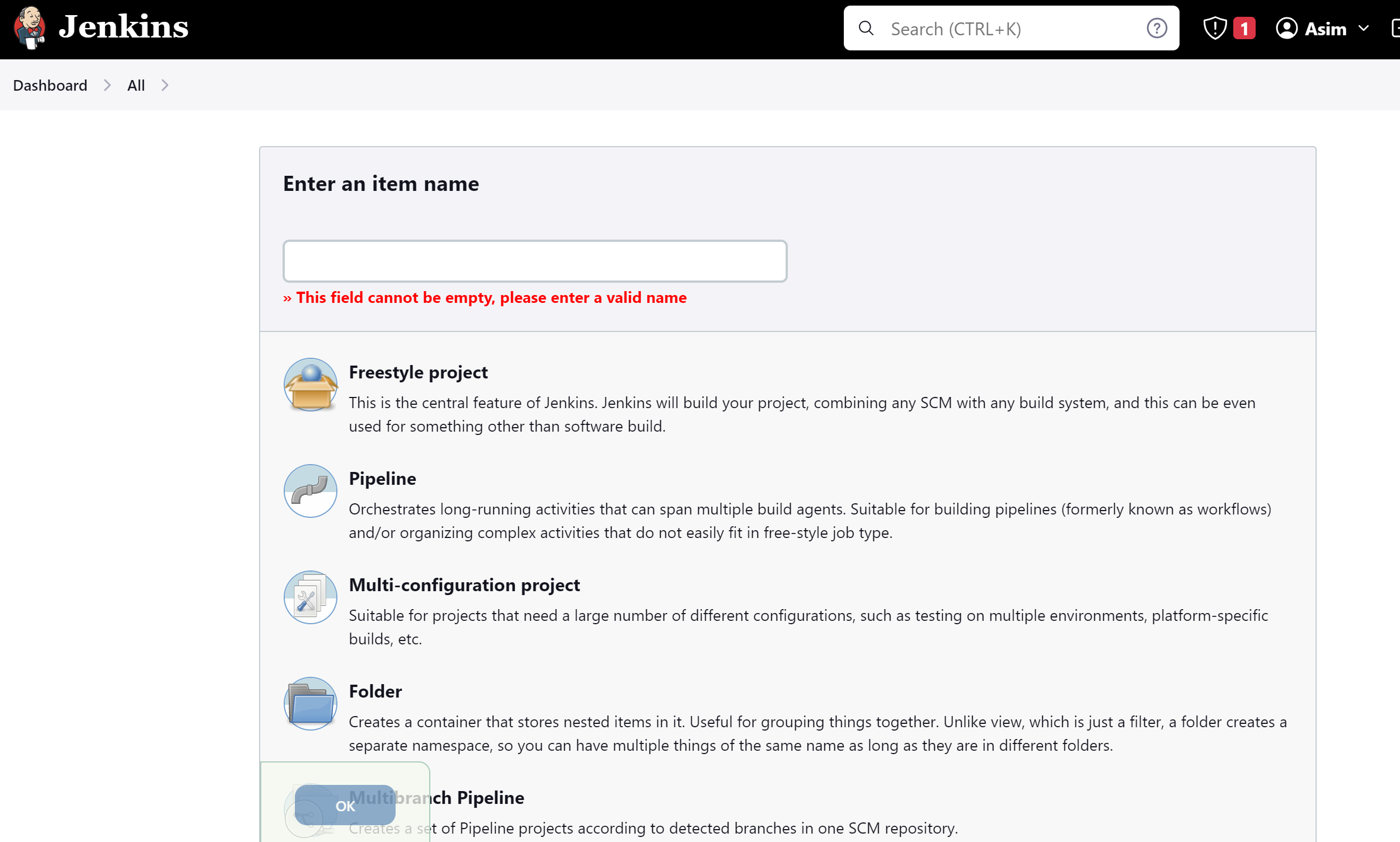
Give any name and click on Freestyle project and click on OK
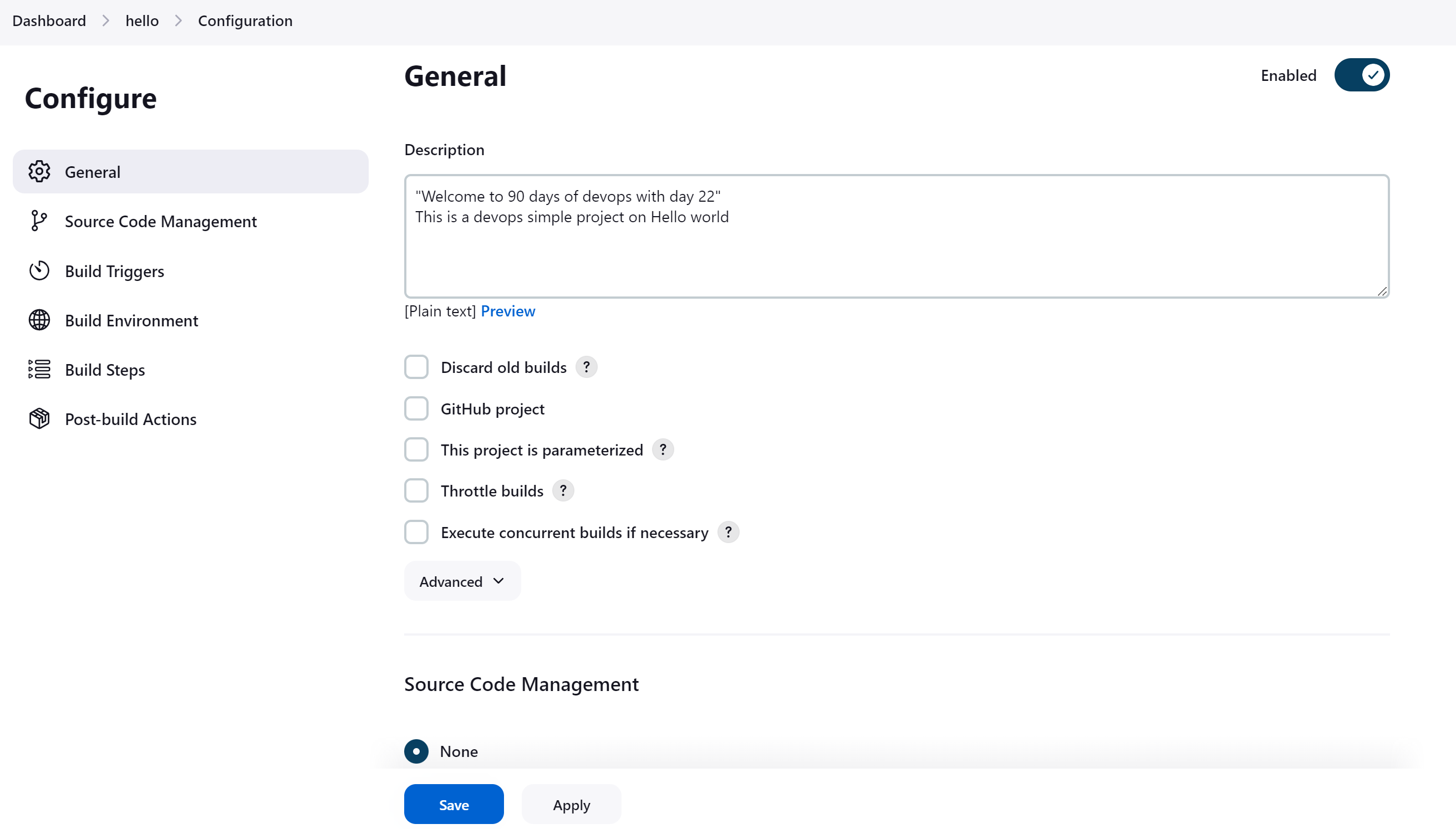
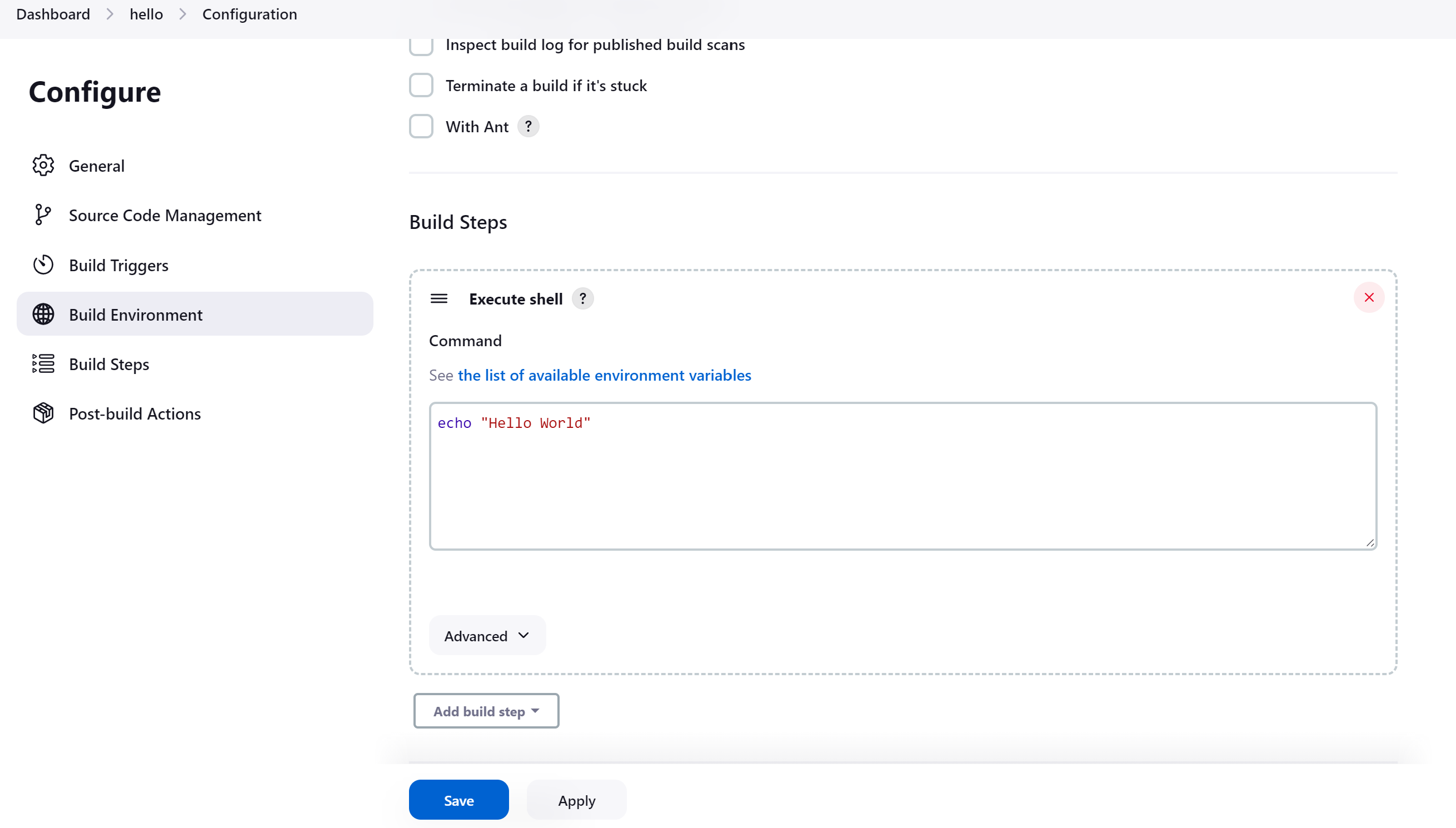
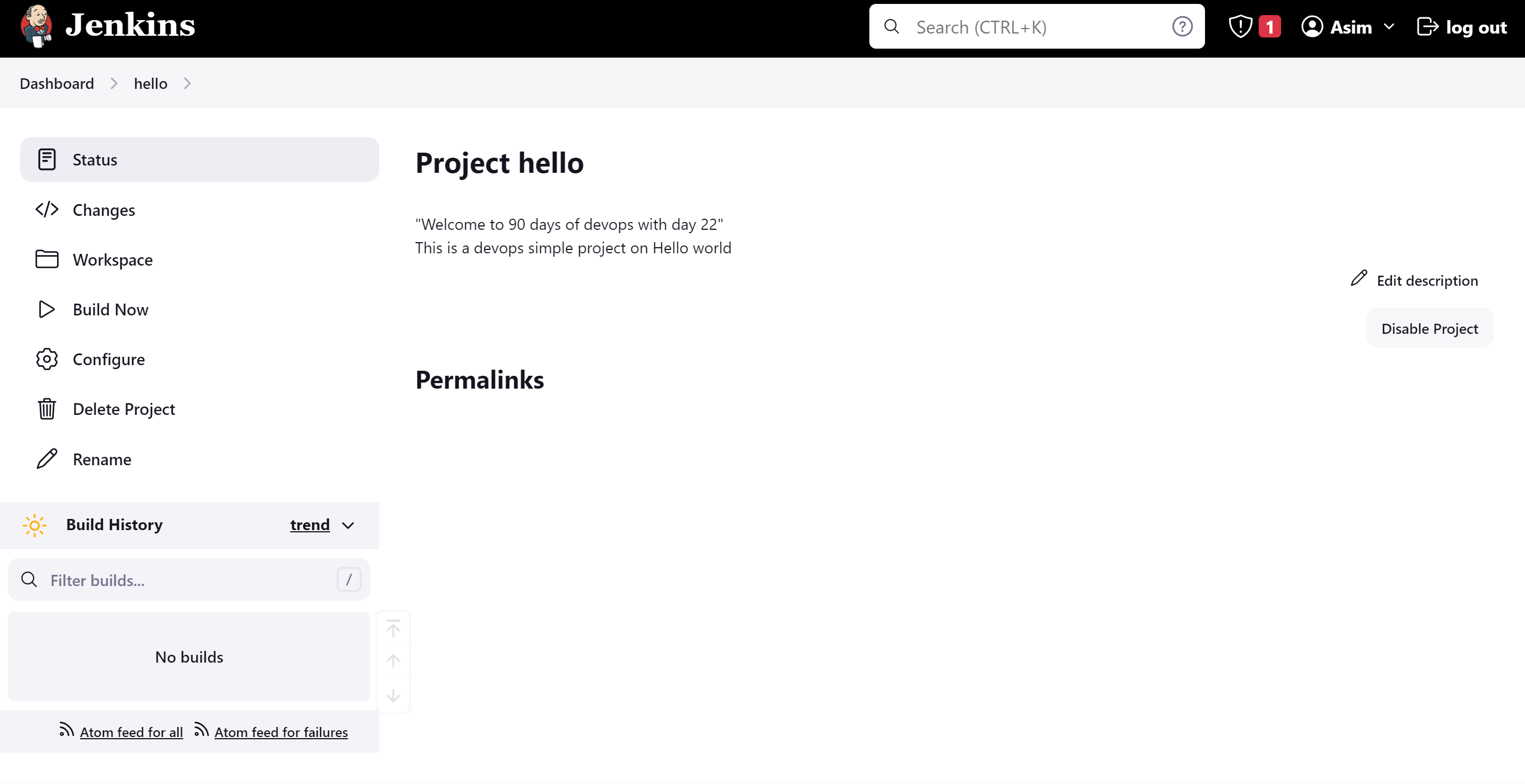
Click om Build Now and then go to Console Output you can check project.
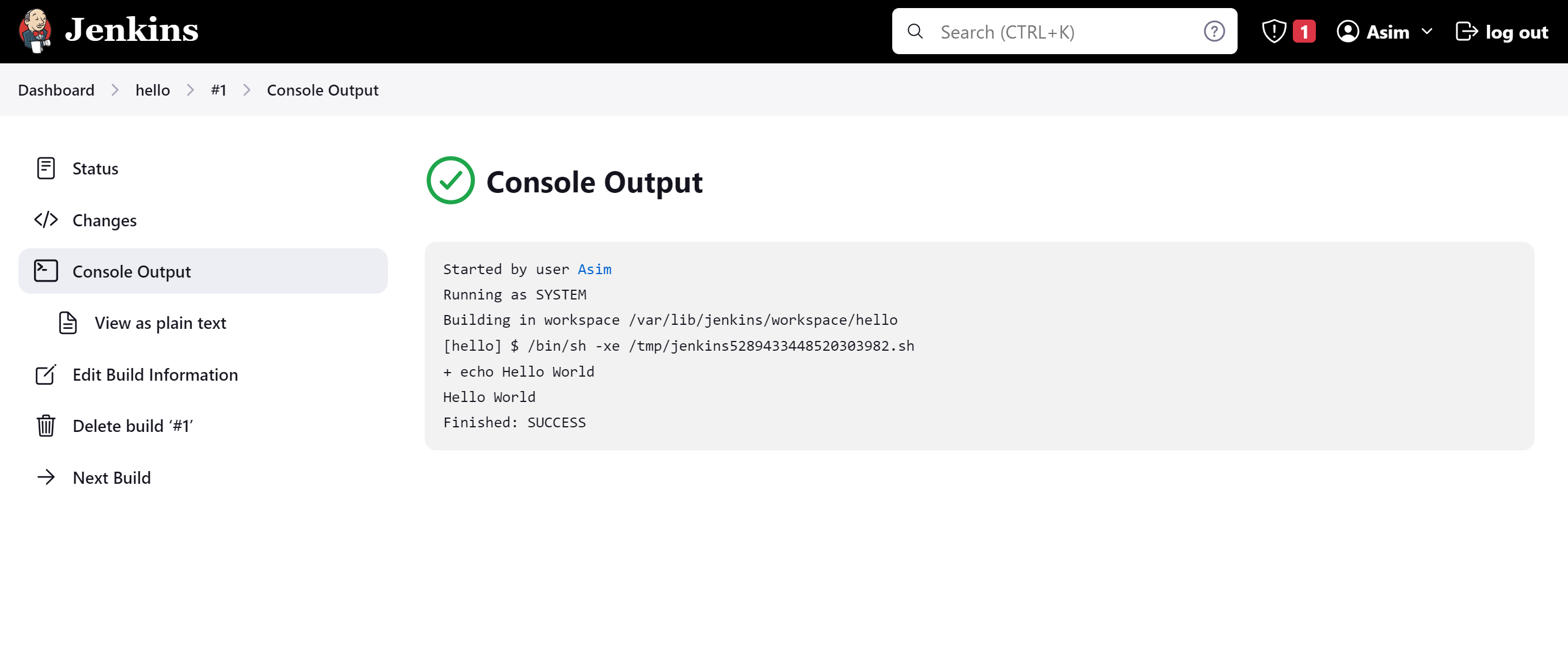
Finally, the Project is completed.
Happy learning :)
Mohammed Muqafamuddin.
Comments
Join the discussionNo comments yet. Be the first to comment.