Day 16 Task: Docker for DevOps Engineers.
Docker
Docker is an open-source platform that enables developers to build, deploy, run, update and manage containers. Containers are lightweight, standalone, and executable packages of software that can run reliably across different computing environments, such as development, testing, staging, and production.
Docker provides tools and services for building and managing containers, such as Docker Engine, Docker Compose, Docker Swarm, and Docker Hub.
Docker Engine is the core component that enables you to create and run containers on your local machine or remote servers.
Docker Compose is a tool for defining and running multi-container applications.
Docker Swarm is a tool for managing container clusters and scaling applications.
Docker Hub is a cloud-based repository for storing and sharing container images, which are the pre-built and packaged versions of applications.
Why we use Docker:
container reuse.
container versioning.
Improved and seamless container portability.
shared container libraries.
docker is lightweight.
Tasks
As you have already installed Docker in previous days' tasks, now is the time to run Docker commands.
To get the Docker version

Use the
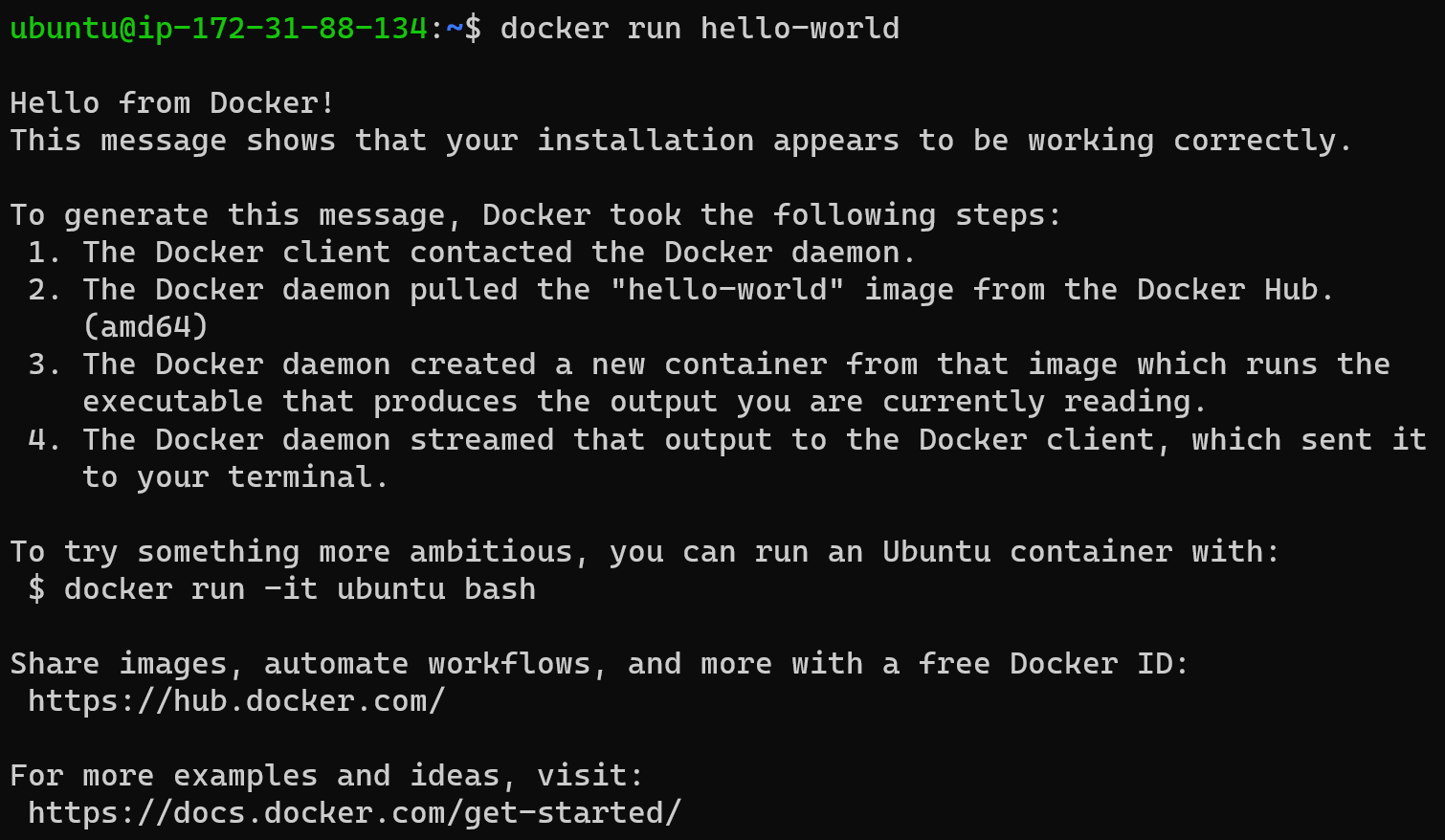
docker runcommand to start a new container and interact with it through the command line. [Hint: docker run hello-world]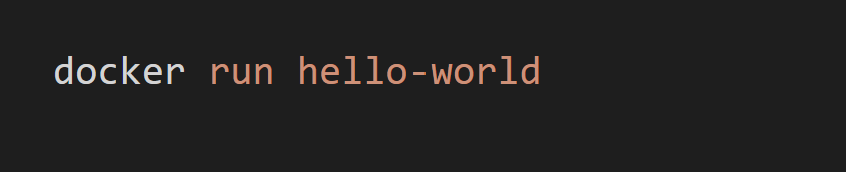
Use the
docker inspectcommand to view detailed information about a container or image.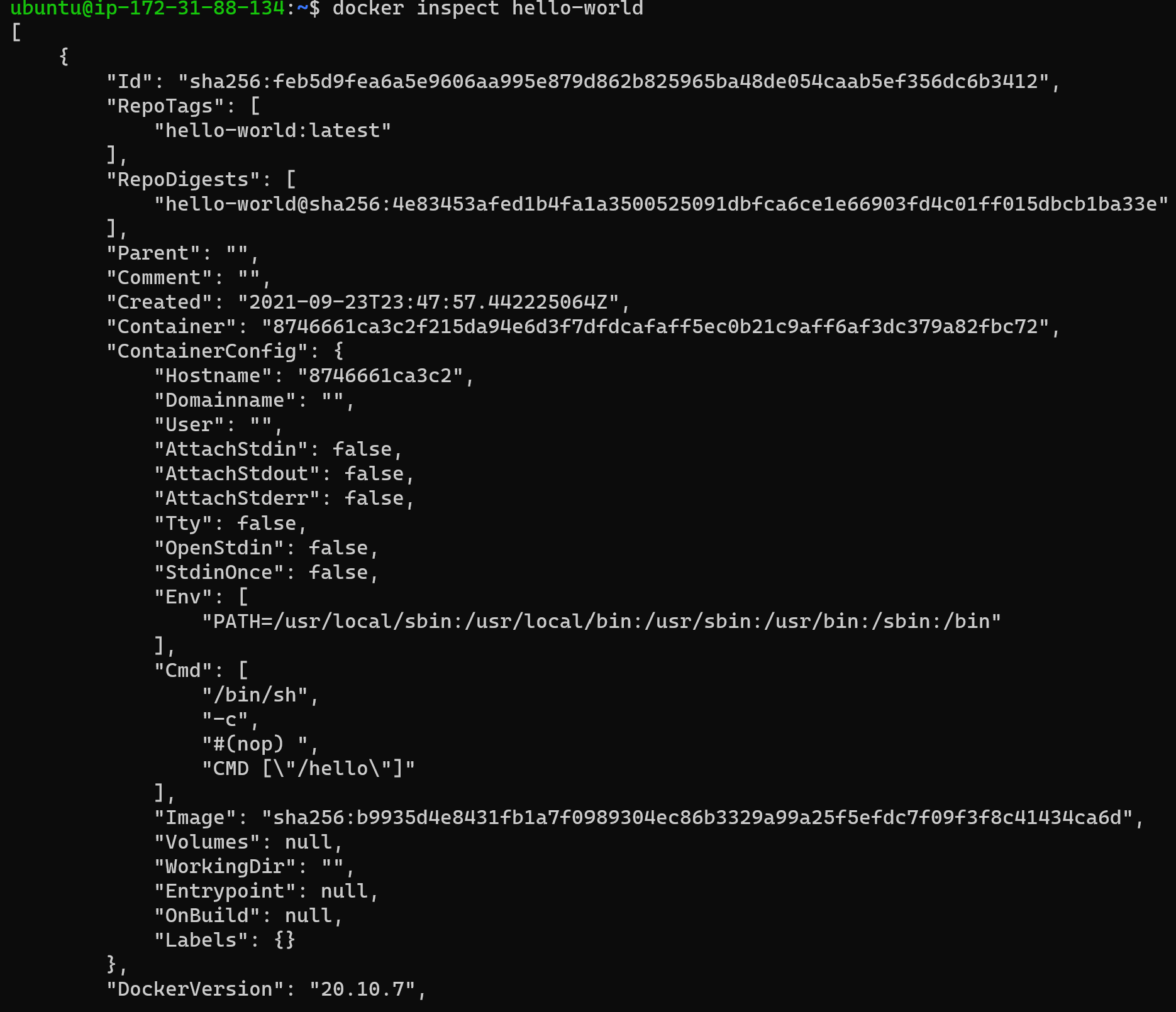
Use the
docker portcommand to list the port mappings for a container.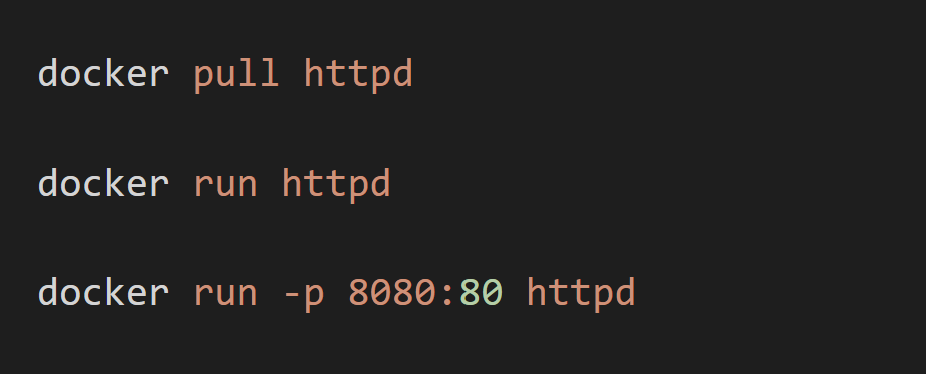



Use the
docker statscommand to view resource usage statistics for one or more containers.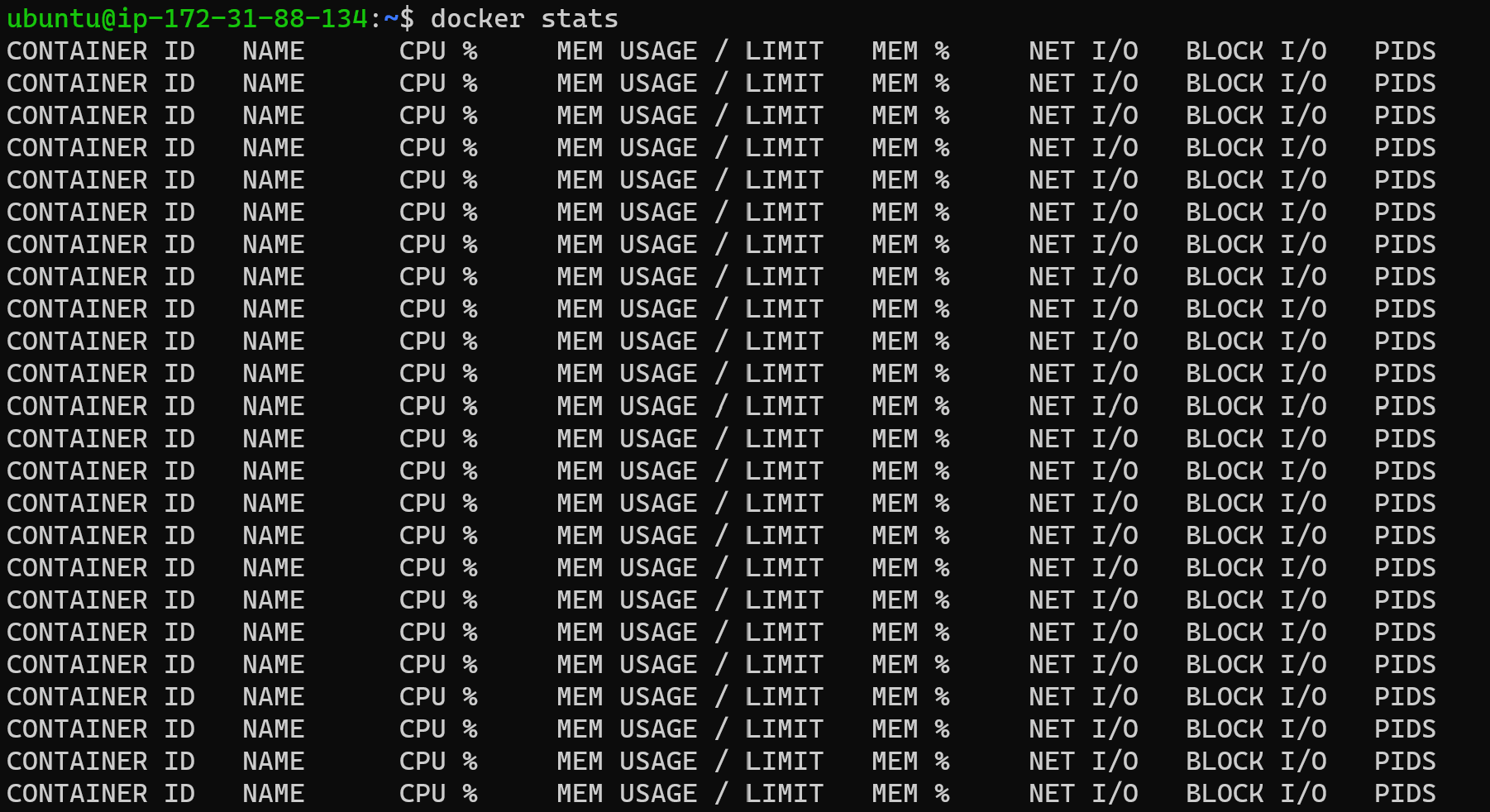
Use the
docker topcommand to view the processes running inside a container.

Use the
docker savecommand to save an image to a tar archive.
Use the
docker loadcommand to load an image from a tar archive.
Happy Learning :)
Mohammed Muqafamuddin.
Comments
Join the discussionNo comments yet. Be the first to comment.